Edit videos by
talking to them.
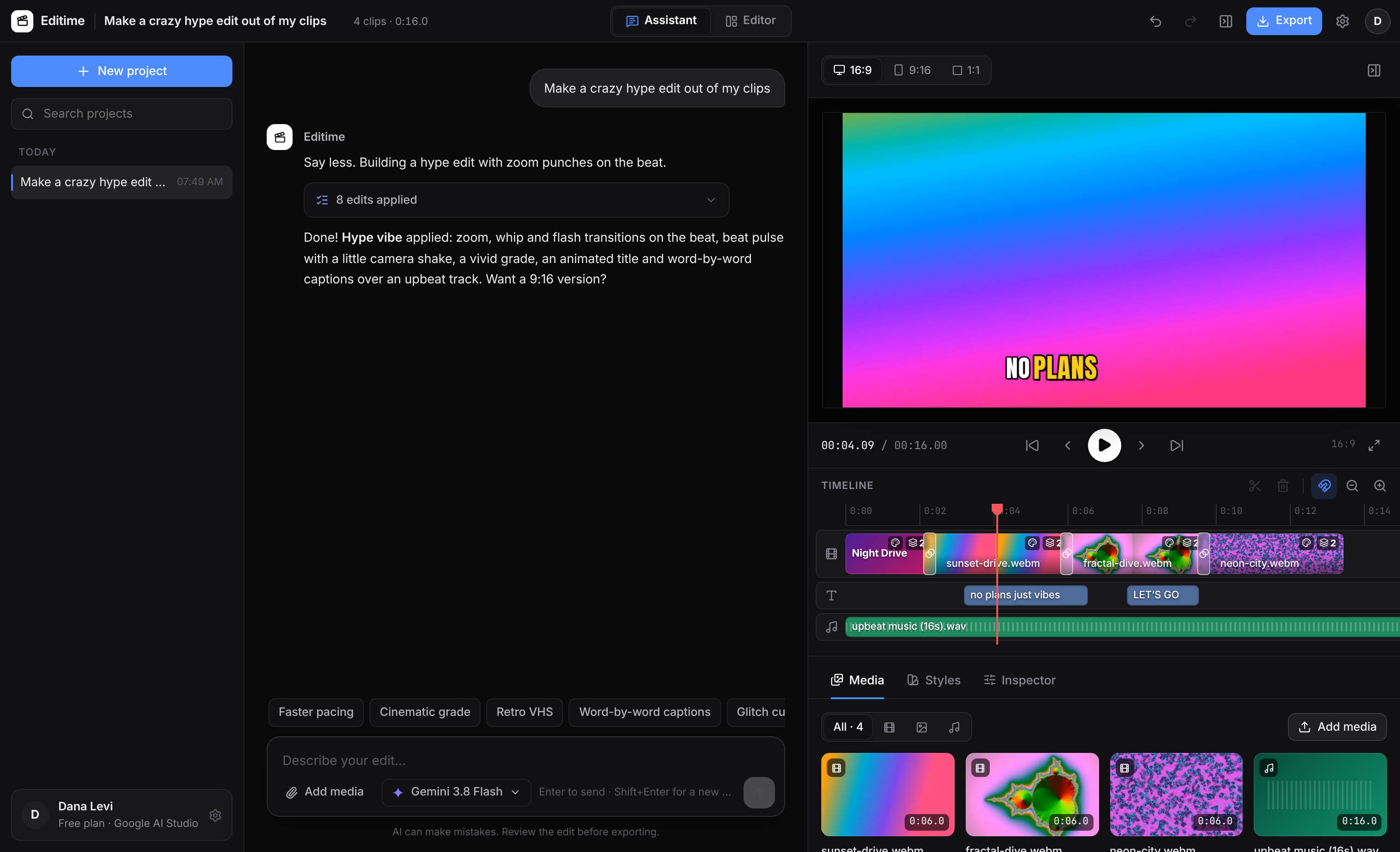
Editime Studio is an AI video editor that works on your local files. Point it at your footage, describe the video, and watch it cut, caption and score the edit on a real timeline.
Free · Windows 10 & 11 · Android 8+ · Works with Google AI Studio and OpenRouter
Everything you need to go from raw footage to finished video.
Editime pairs a conversational AI editor with the tools you expect from a professional NLE.
Edit by chatting
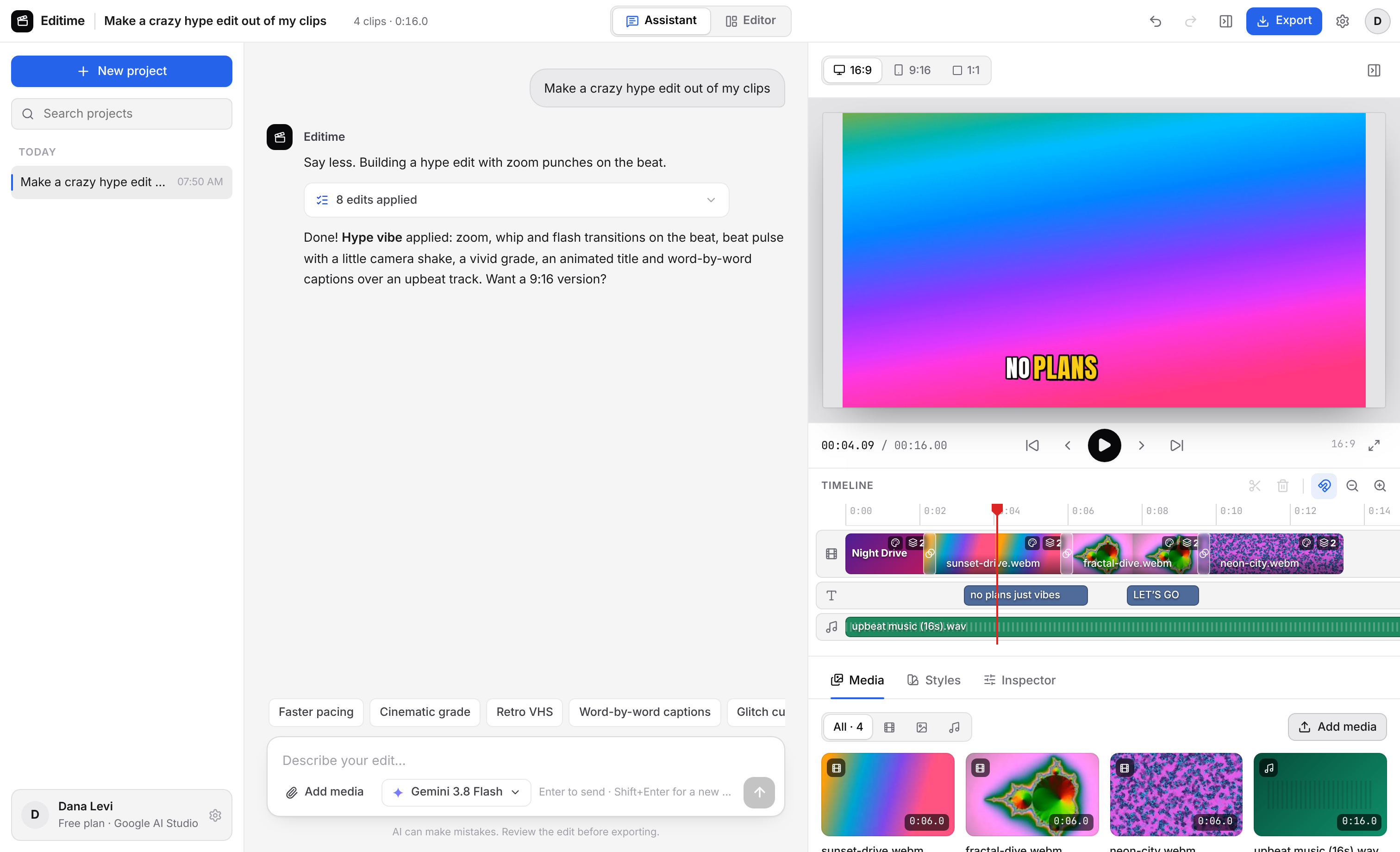
“Cut this into a 30-second highlight with captions and upbeat music.” Editime plans the edit and builds it on a real timeline you can tweak.
Local-first, like Premiere
No uploads. Point Editime at a folder on your computer; the AI browses, searches and imports your footage where it already lives.
Your AI, your key
Connect a Google AI Studio key for Gemini, or OpenRouter for 300+ models from Anthropic, OpenAI, Google, xAI and more. Switch any time.
A real editor mode
Media bin, program monitor, inspector and a full timeline with trim handles, razor, snapping, undo and keyboard shortcuts.
Titles, captions & music
Gradient title cards, captions in any language, color and fades, plus original royalty-free soundtracks composed for each video.
Export anywhere
H.264 MP4 up to 4K in 16:9, 9:16 for Reels, TikTok and Shorts, or square. Ready to upload.
Describe it. Editime builds it.
- 1Point it at your footage
“Use the clips in Videos/Summer Shoot.” Editime finds and imports them, no uploading.
- 2Say what you want
A 30-second recap, a vertical Reel, captions in Hebrew, a website promo. Editime watches your clips and edits.
- 3Fine-tune and export
Every edit lands on the timeline. Adjust anything by hand or ask for changes, then export an MP4.
Make it look insane in one click.
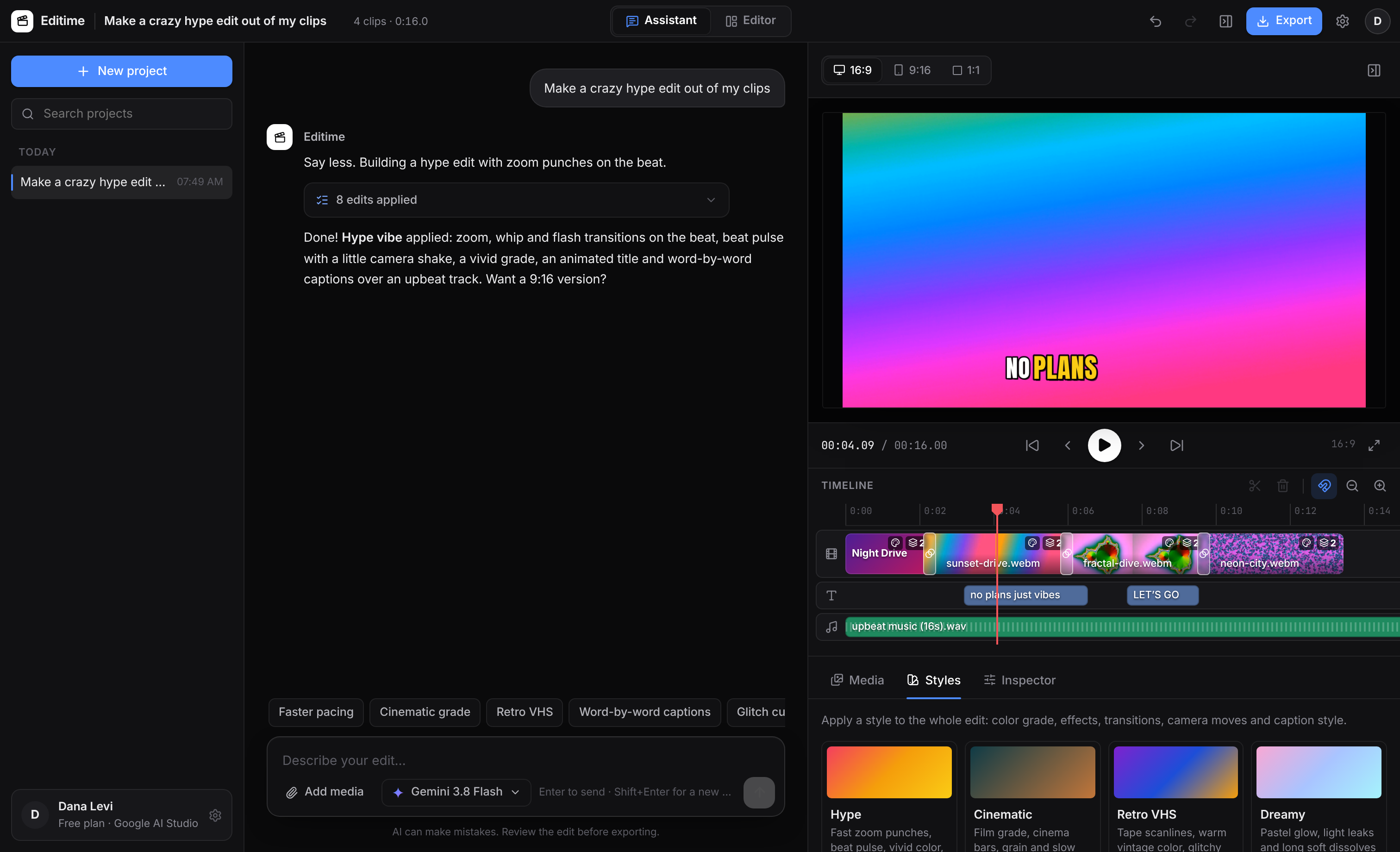
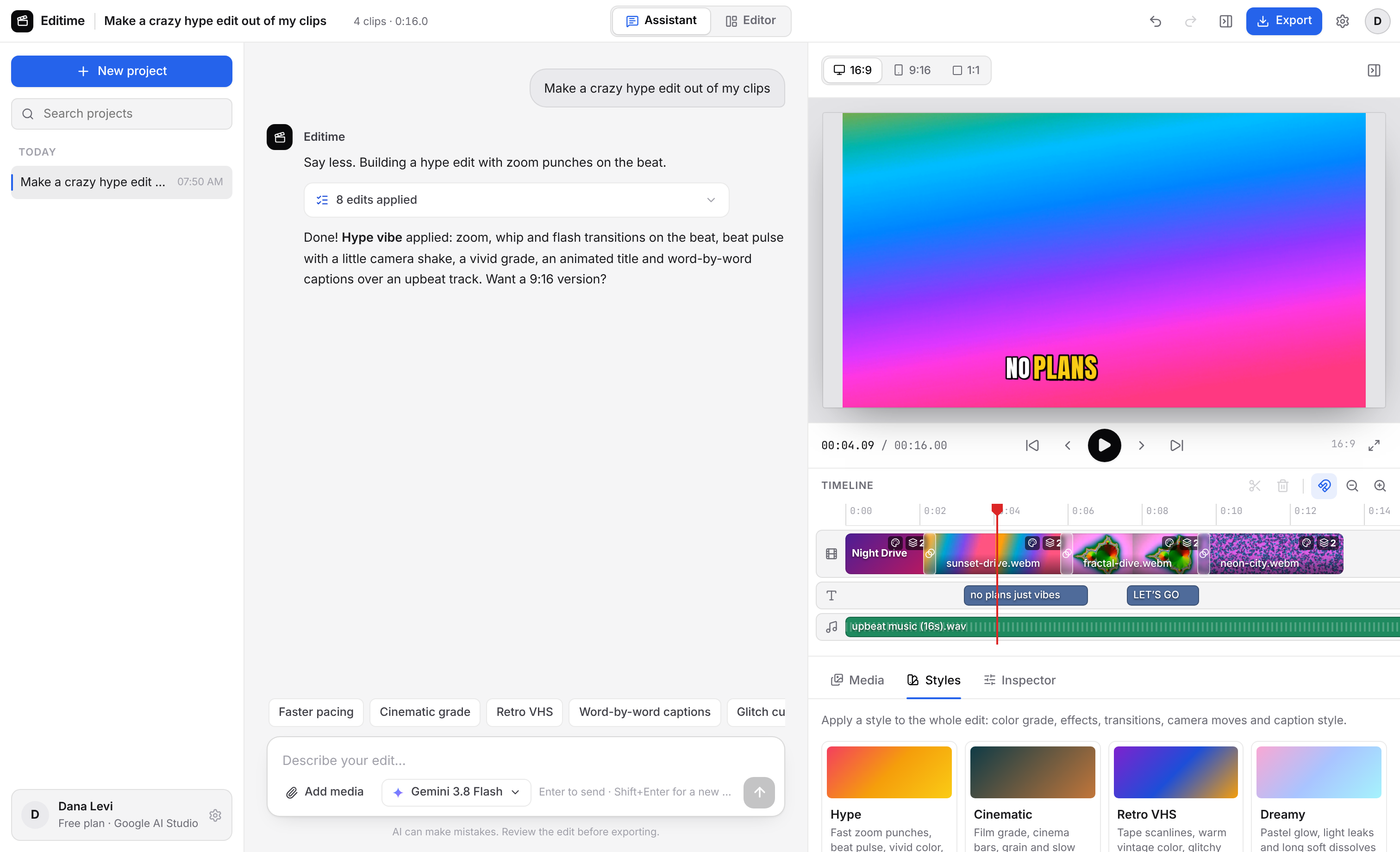
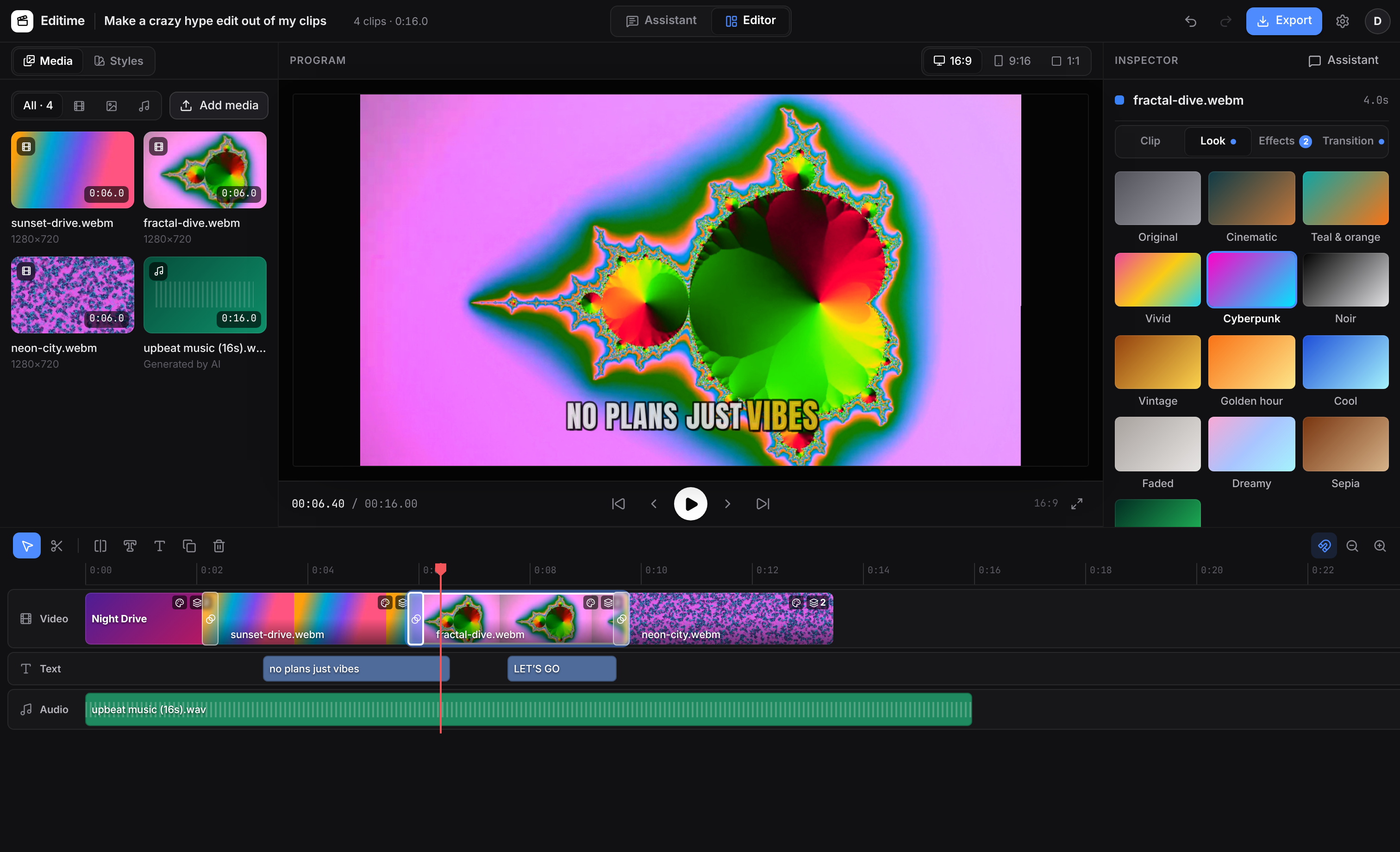
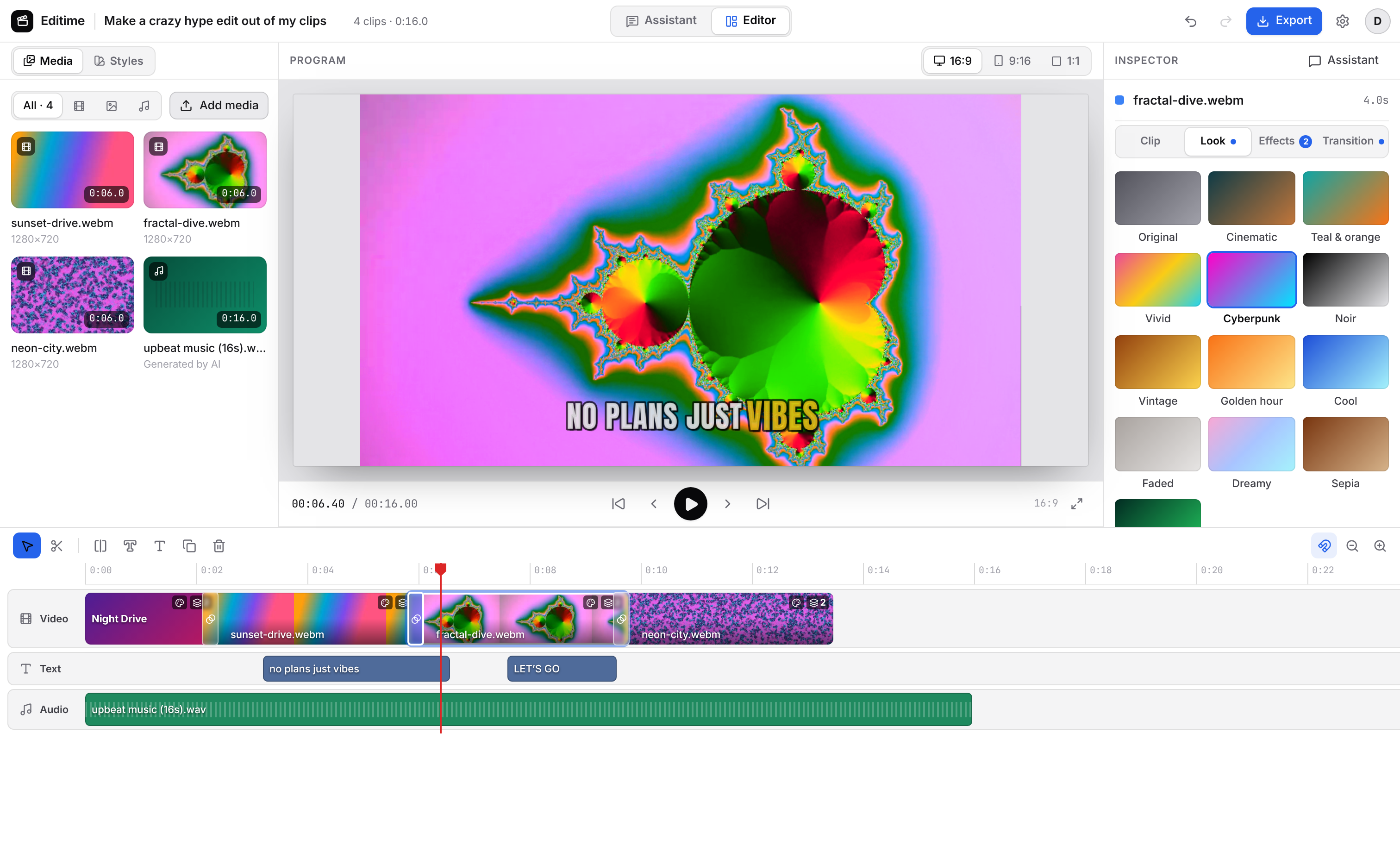
Pick a vibe and Editime restyles the whole edit: color grade, effects, transitions on the beat, camera moves and animated captions. Or just ask the AI to “make it hype”.

Zoom punches, whip pans and flashes on the beat, beat pulse and bold pop captions.

Film grade, cinema bars, grain and slow dissolves.

Tape scanlines, color bleed, warm vintage tones and glitchy cuts.

Cyberpunk neon, RGB split and digital glitch hits.

Pastel glow, light leaks and soft blur transitions.

High-contrast black & white with heavy vignette.
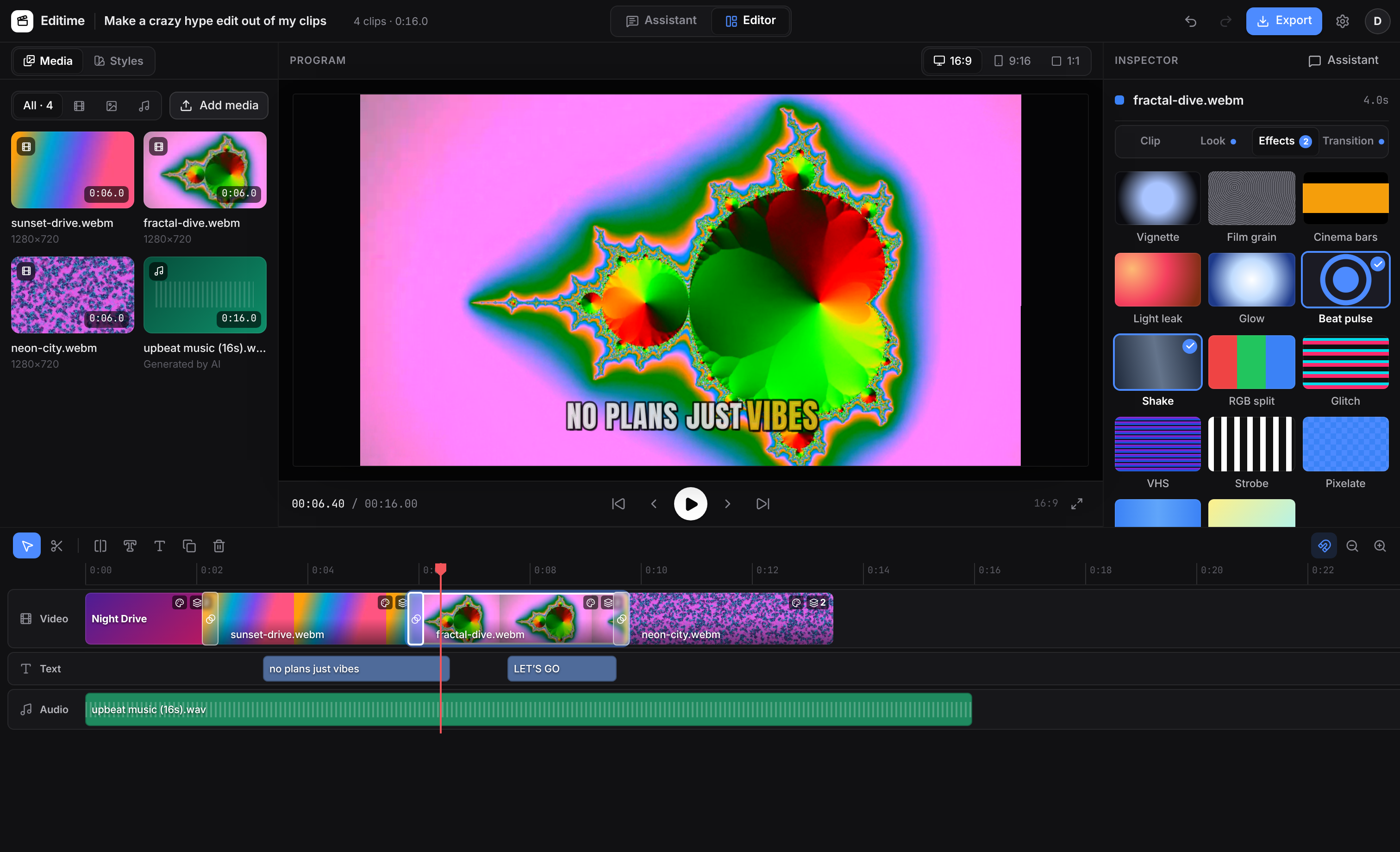
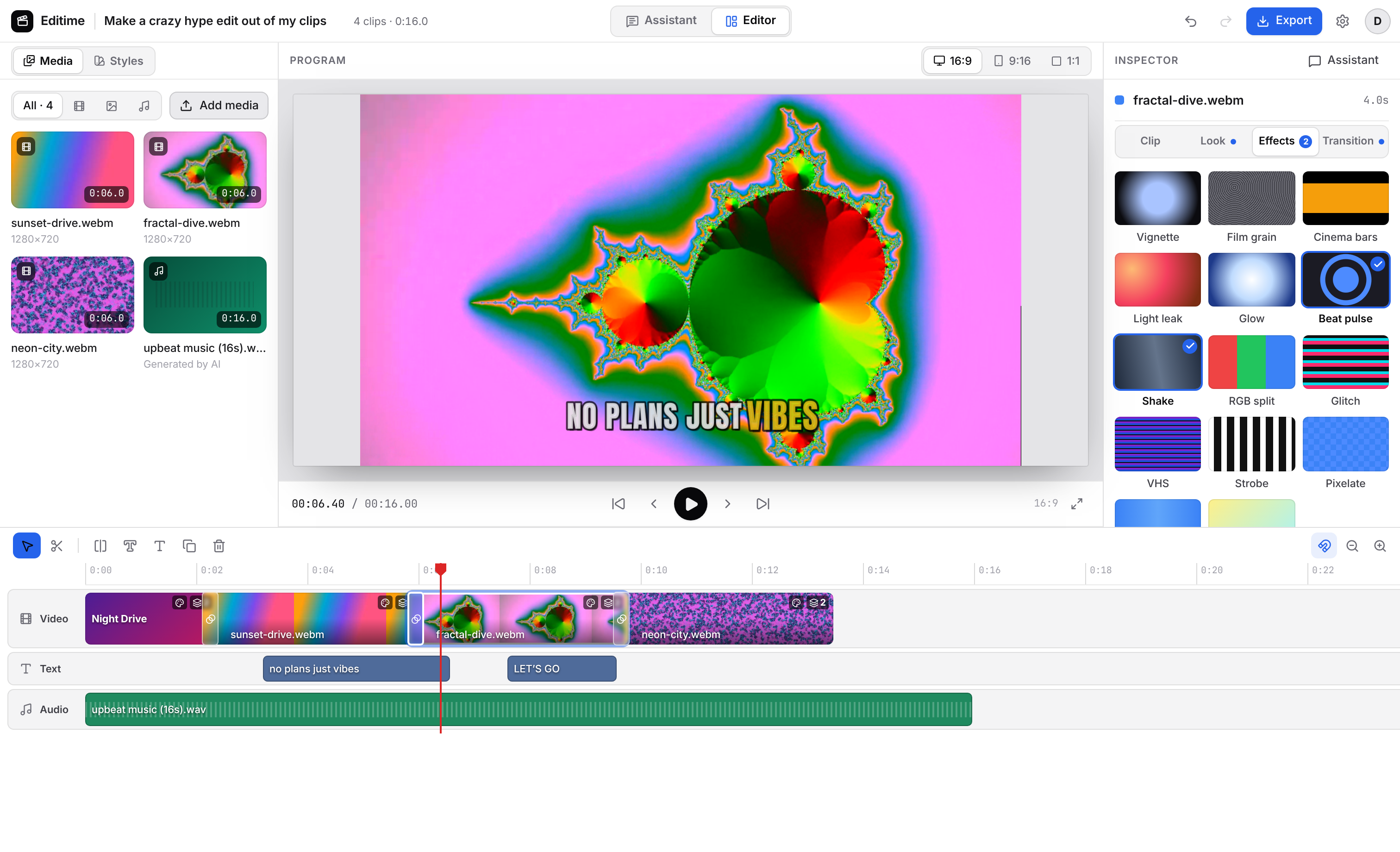
When you want your hands on the timeline.
Switch to Editor mode for a classic layout: media bin, program monitor, inspector and a full-width timeline with trim, razor and snapping.
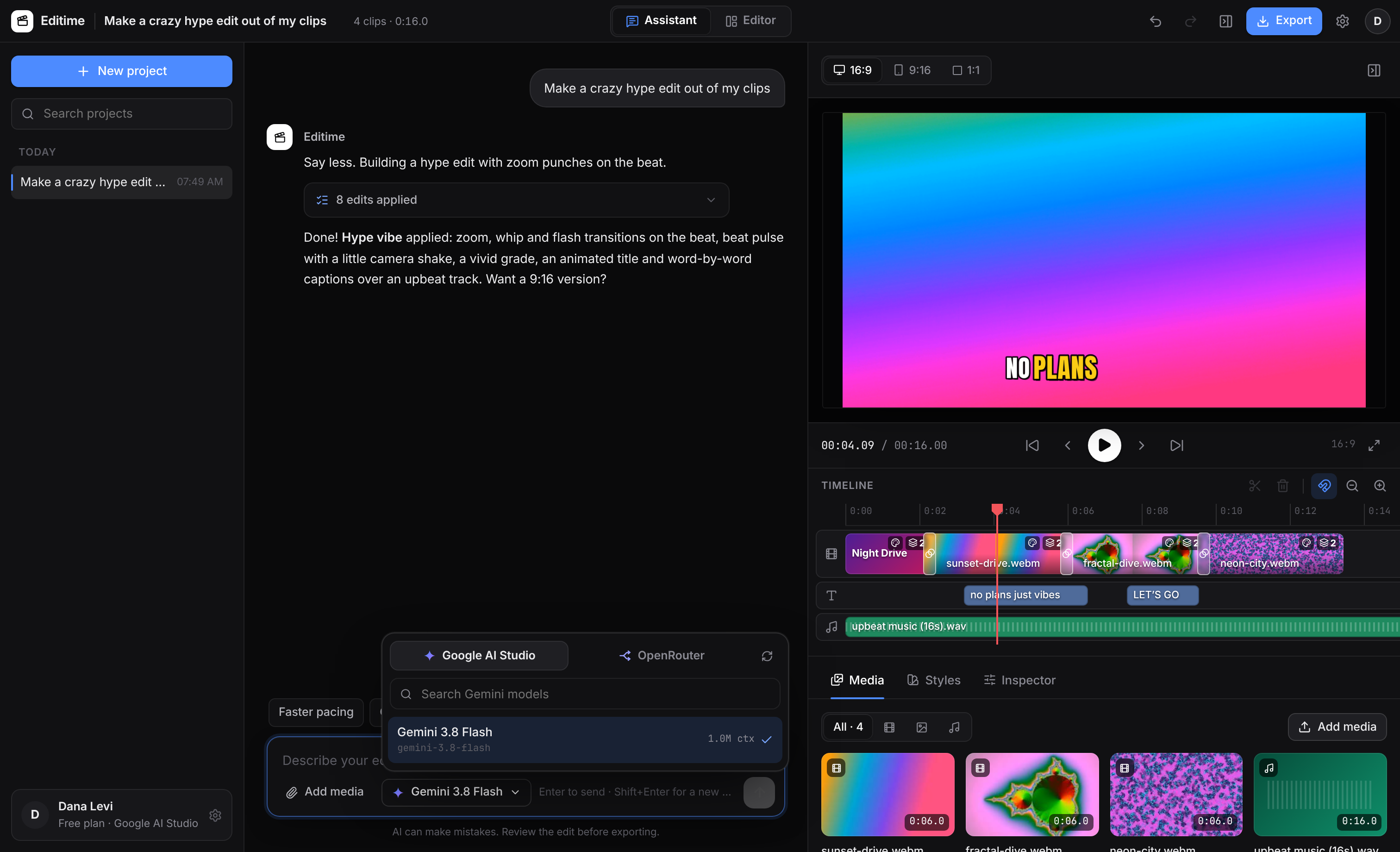
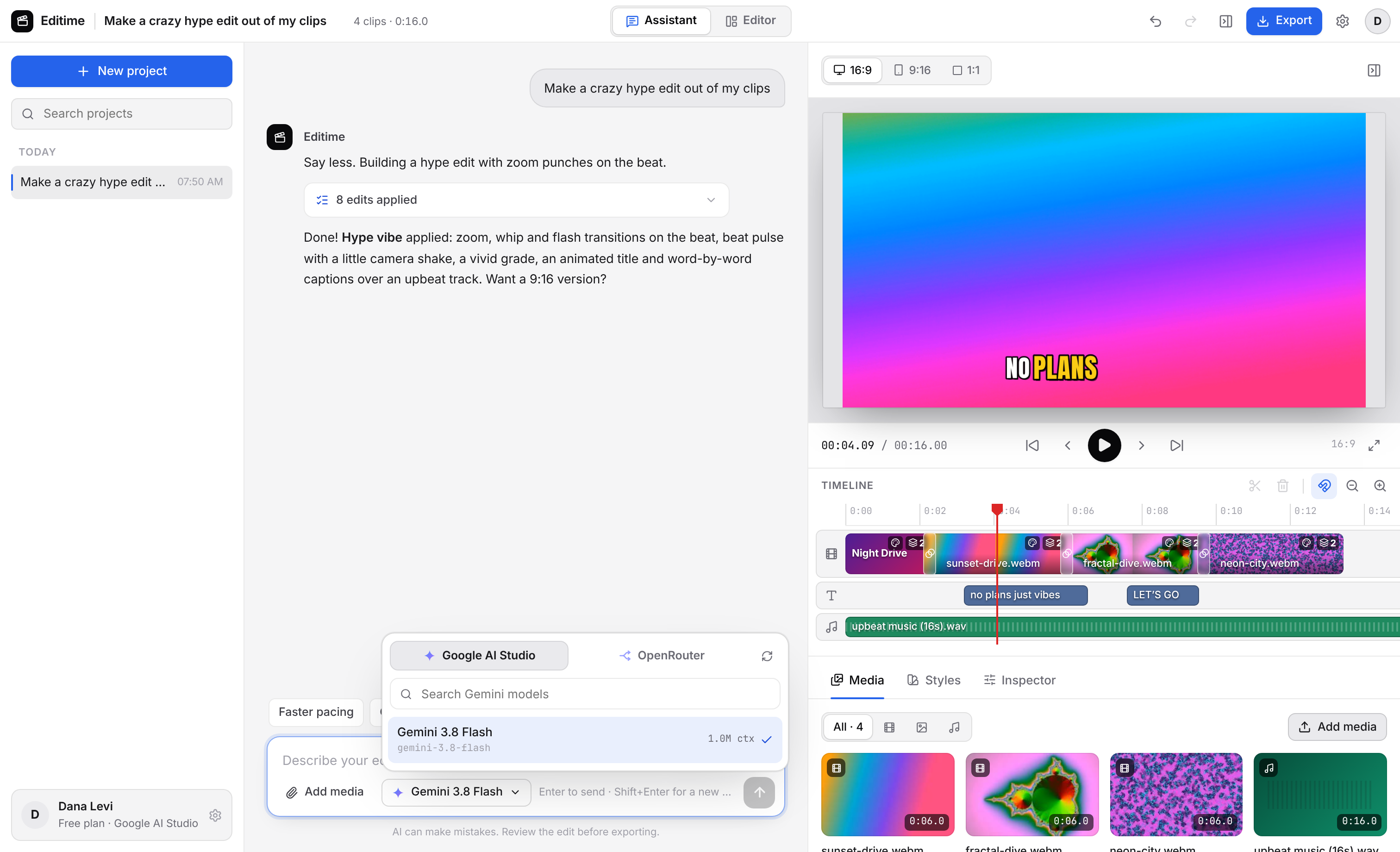
Gemini, Claude, GPT and 300 more. Your choice.
Paste a Google AI Studio key to use Gemini directly, or an OpenRouter key to use models from every major lab. Editime shows the live list of models your key can use, with context size and price.
- Keys are encrypted on your device
- Switch models mid-project
- The AI can look at your footage to cut smarter
Already have an editor? Bring Editime into it.
Premiere Pro
An Editime AI panel that reads your project and active sequence, adds markers, builds rough cuts from bins and inserts clips. For Premiere Pro 2025+ (UXP) and older versions (CEP).
Get the pluginDaVinci Resolve
An Editime AI window inside Resolve (free and Studio). Ask it to import a folder, build a timeline, add markers or queue a render.
Get the scriptOn your computer, phone and tablet.
Windows
Windows 10 and 11, 64-bit
AvailableAndroid
Phones and tablets, Android 8+
AvailablemacOS & iPad
Native apps in the works
Coming soonBrowser
Editime on the web
Coming soonFree while you bring your own AI key.
Free
- Windows and Android apps
- AI Assistant and Editor mode
- Google AI Studio & OpenRouter
- Export up to 4K MP4
- Premiere Pro & Resolve plugins
Pro
- Built-in AI, no API key needed
- Auto subtitles from speech
- AI voice-over and B-roll search
- Cloud sync across devices
- Priority support
Questions, answered.
Is Editime free?
Yes. Editime is free to download and use. You connect your own Google AI Studio or OpenRouter API key, so you only pay your AI provider for what you use (Google AI Studio has a generous free tier). A Pro plan with extra features is coming soon.
Are my videos uploaded anywhere?
No. Editime works on your local files. Only the text of your conversation, a description of the timeline and small preview frames you ask the AI to look at are sent to the AI provider you choose.
How do I sign in?
With your RanEddie ID, the one account for every RanEddie app. It signs you in to the website, the Windows and Android apps and the Premiere Pro and DaVinci Resolve plugins, and Pro features will be added to it when they launch. Don't have one yet? Creating a RanEddie ID is free.
Can I use Editime in the browser?
Not yet. The browser version is coming soon. Today Editime runs as a desktop app for Windows and an app for Android phones and tablets.
Which video formats work?
MP4, MOV, MKV, WebM and more. Formats Windows can't play directly (like HEVC from phones or ProRes) get a fast editing proxy automatically.
Do you have plugins for Premiere Pro and DaVinci Resolve?
Yes. Editime AI panels for Premiere Pro (2025+ and older versions) and a script for DaVinci Resolve (free and Studio) bring the same AI assistant into your existing editor.
Your next video is one sentence away.
Download Editime Studio for free and make something today.